



Brand: Microsoft
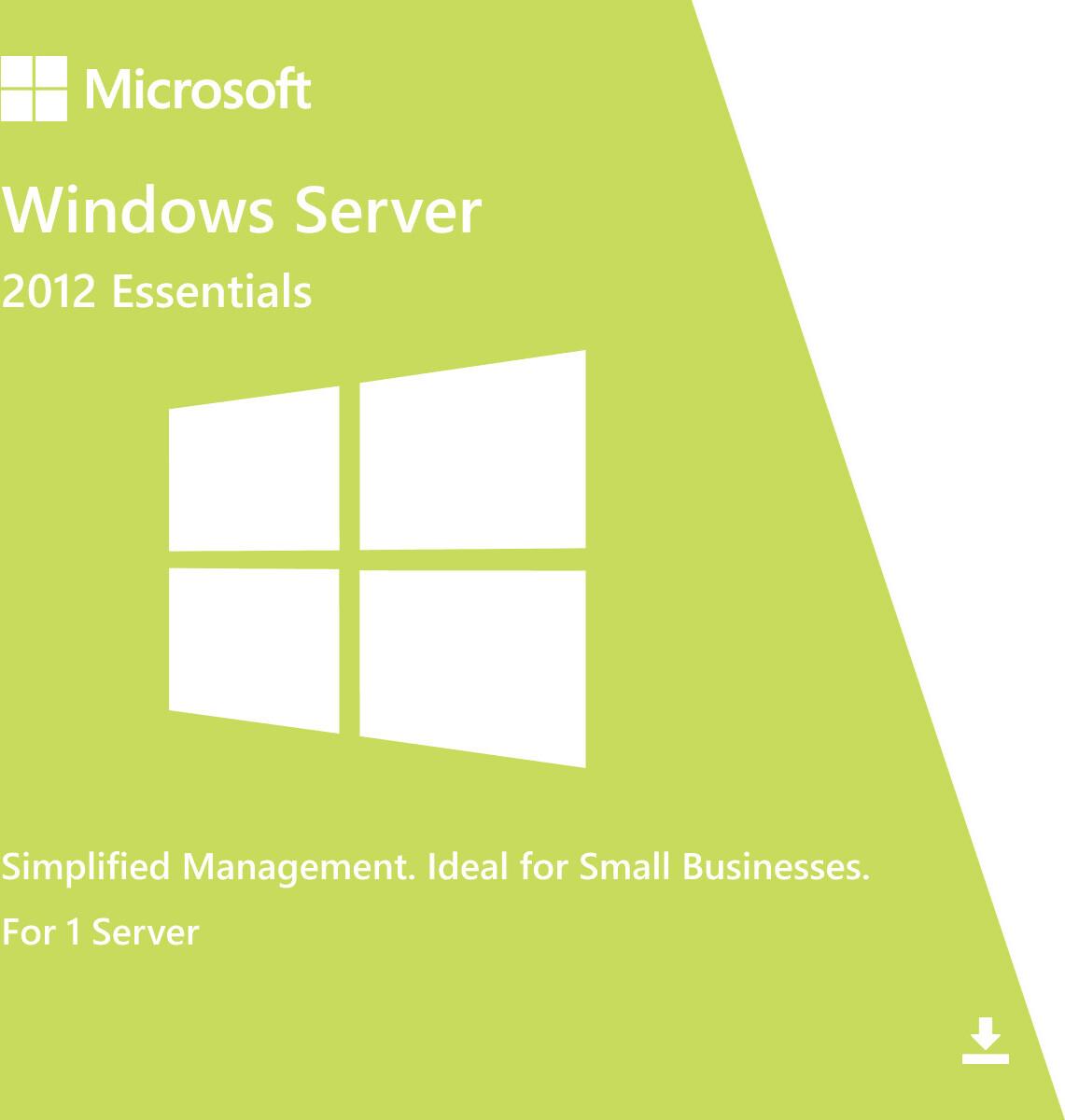
Windows Server 2012 Essentials is a simple, entry-level server operating system designed for small businesses with basic IT needs. It provides essential tools for file sharing, user management, backups, and remote access in an easy-to-manage environment without requiring advanced IT infrastructure.
⚠️ This edition is discontinued and no longer supported by Microsoft, which means no security updates or official support.
Windows Server 2012 Essentials is best suited for small, legacy business environments.
✅ Official Microsoft Small Business Server OS
✅ Simple installation and management
✅ Built-in centralized file sharing
✅ User and device management tools
⚠️ Limited to 25 users and 50 devices
⚠️ No virtualization rights (Hyper-V not included)
⚠️ No CALs required (included in license)
⚠️ End of support (October 2023)
✅ Supports multiple languages (Bangla input supported)
✅ Built-in backup and recovery tools
SKU: MS-WS2012-ESS-DIG
Categories: Windows Server 2012
Tags: windows server license, microsoft server, server license bangladesh, server software, active directory, windows server support, windows server 2012, windows server 2012 license
Product: Windows Server 2012 Essentials
Type: Small Business Server Operating System
• Small business IT infrastructure
• File and printer sharing
• Basic Active Directory services
• Automated backups of PCs and server
• Remote web access for users
• Centralized user management
✔ Physical server hardware
✔ Small office environments
❌ Not designed for virtualization hosts
Essentials is designed for simplicity and ease of use in small businesses.
• All-in-one solution
Includes file sharing, backup, and user management.
• Easy setup
Designed for users without advanced IT knowledge.
• Built-in backup system
Automatically backs up PCs and server data.
• Remote access
Users can securely access files remotely.
• Cost-effective for small offices
No additional CAL licensing required.
Active Directory (limited integration)
Basic centralized identity management.
Windows Firewall
Network protection for small environments.
File and Folder Permissions
Control user access to data.
BitLocker Support
Disk encryption for data protection.
⚠️ Missing modern enterprise security features due to end of support.
✅ Dashboard Management
Simple GUI for managing users, devices, and storage.
✅ Client Backup
Automatic backup for connected PCs.
✅ File Sharing
Centralized access to business files.
✅ Remote Web Access
Secure access to files from outside the office.
• Designed for small offices only
• Supports up to 25 users / 50 devices
• Limited scalability
• Not suitable for virtualization or large workloads
Best for very small business environments with basic IT needs.
Processor: 64-bit CPU, 1.4 GHz or faster
RAM: 2 GB minimum (8 GB recommended)
Storage: 160 GB recommended
Network: Ethernet
Version: Windows Server 2012 Essentials
Product: Microsoft Small Business Server OS
Delivery Method: Digital / OEM (varies)
Included:
✔ Installation Guide
✔ Setup and Configuration Instructions
✔ Basic Administration Guide
• This product is discontinued and unsupported
• Limited to 25 users and 50 devices
• No virtualization support
• Not suitable for growing or enterprise environments
• Recommended only for legacy small business setups
• Consider Windows Server 2019/2022 Essentials alternatives or Standard edition for modern use
Your email address will not be published. Required fields are marked *
Please login to write review!
Looks like there are no reviews yet.
These cookies are essential for the website to function properly.
These cookies help us understand how visitors interact with the website.
These cookies are used to deliver personalized advertisements.