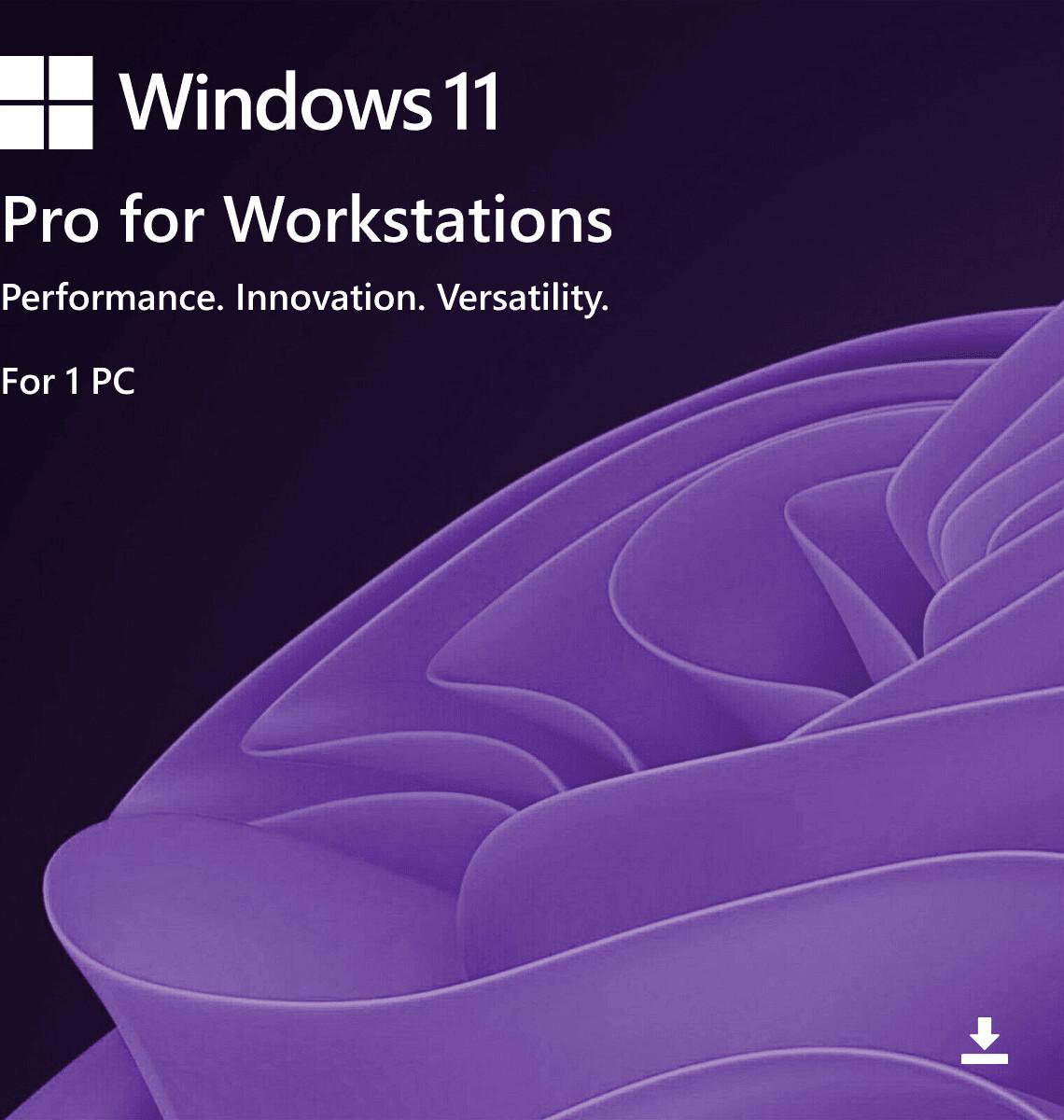
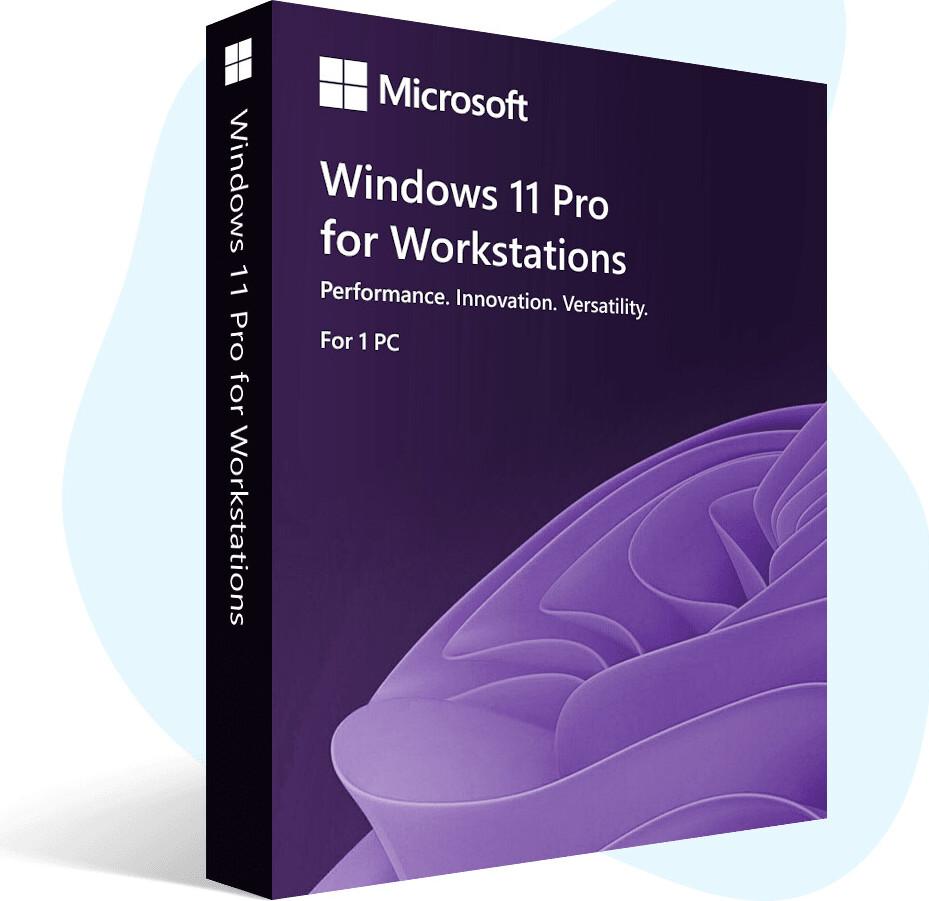
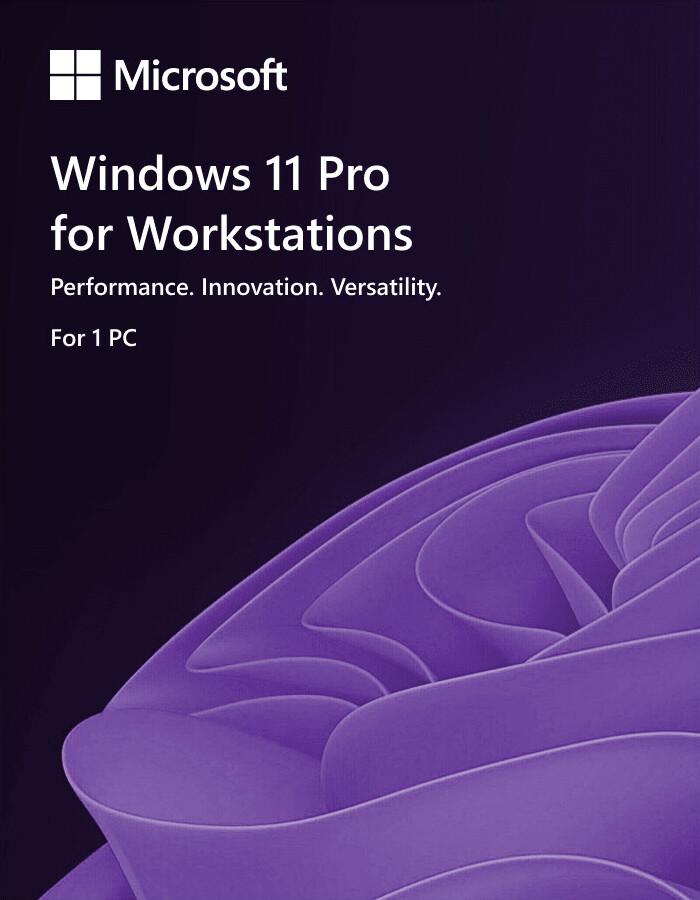




Windows 11 Pro for Workstations is Microsoft’s most powerful Windows 11 edition, made for powerful PCs and heavy professional work. It’s ideal for tasks like CAD, 3D rendering, animation, engineering software, data analysis, and large file workloads. It includes everything in Windows 11 Pro (security + business features) and adds workstation‑level performance improvements for faster storage, faster file sharing, and better reliability.
It also supports higher-end hardware (workstation class), making it a strong choice for creators, researchers, and advanced users who need maximum performance.
⚠️ Important Notice: Windows 10 support has ended, so moving to a supported Windows version is a smart way to stay protected and updated.
✅ Genuine License Key
✅ 1 PC / 1 Key – Lifetime Activation
✅ Digital License & Online Activation
✅ Easy activation after Windows setup (enter key and activate online)
✅ Lifetime Updates (as long as Microsoft supports Windows 11)
✅ Supports all languages
✅ Non‑transferable (cannot be moved to another device)
✅ Can be used to upgrade directly (in many cases, no reinstall needed)
✅ License links to your PC hardware + Microsoft account (reinstall on same PC = auto‑activate, no need to enter key again)
✅ Latest version official Windows 11 Pro for Workstations ISO download link (latest build)
SKU: MS-W11-PROWKS-DIG
Categories: Windows 11
Product: Microsoft Windows 11 Pro for Workstations
Type: Operating System
Use For: High‑end workloads, CAD/3D work, video production, data processing, engineering, research, and heavy multitasking
Device Support: Desktop / Laptop (workstation‑class recommended)
Genuine Windows is safer, more stable, and gives you the full Windows experience.
• Genuine security updates – helps protect your PC from viruses, malware, and hacking
• Stable activation – no “Activate Windows” watermark and no sudden deactivation
• Full features work properly – updates, personalization, security tools work normally
• Better performance & fewer errors – system files stay original and not modified
• Safe for work, study, and online banking – trusted protection for important data
• Easy reinstall on the same PC – often auto‑activates when linked to your hardware/account
• Peace of mind – no crack tools, no hidden risks, and no update problems
• Windows 10 no longer receives regular security updates
• Using an unsupported system can increase risk of malware and security threats
• Windows 11 keeps your system on a modern, supported platform
Microsoft Defender Antivirus (Built‑in)
Helps protect against viruses, malware, and threats.
BitLocker Drive Encryption
Encrypts your drive to protect important files and personal/business data.
Secure Sign‑In Options
PIN sign‑in and Windows Hello support (fingerprint/face) on compatible devices.
Hardware‑Based Security Support
Works with modern PC security features like TPM and Secure Boot (required for Windows 11).
Remote Desktop (Host)
Access your PC remotely when you are away (useful for work-from-home users).
Business/Organization Features
Supports advanced management and office network features.
Group Policy Support
Helps control system settings and policies (useful for offices and IT users).
Virtualization Tools (On Supported Hardware)
• Hyper‑V (run virtual machines)
• Windows Sandbox (test apps/files in a temporary safe environment)
Resilient File System (ReFS)
Improves reliability for large data and storage workloads.
SMB Direct (RDMA) – Faster File Sharing
Enables very fast, low‑latency file transfers on supported network hardware.
Persistent Memory Support
Supports special hardware for extremely fast data access in demanding applications.
Higher Hardware Support
Designed to work with workstation‑class configurations (very high RAM and multi‑CPU support on supported systems).
Note: Workstation features like SMB Direct, ReFS, and persistent memory require compatible hardware to get full benefits.
• Snap Layouts – quickly arrange windows on the screen
• Multiple Desktops – separate work and personal tasks
• Improved Search – find files, apps, and settings faster
• Widgets – quick updates in one place
• Microsoft Teams integration – communication and meetings (may vary by updates/settings)
• Designed for demanding workloads and high‑end hardware (GPU/SSD recommended)
• Smooth experience for creative work, heavy apps, and multitasking
Copilot can help with quick answers, writing help, summaries, and productivity tasks. (Availability may vary by region and updates.)
• Processor: 1 GHz or faster, 2+ cores, compatible 64‑bit CPU
• RAM: 4 GB minimum
• Storage: 64 GB or more
• Firmware: UEFI, Secure Boot capable
• TPM: TPM 2.0
• Graphics: DirectX compatible graphics with supported driver
• Display: 720p or higher, 9” or larger
• Internet: required during initial setup and for updates
Version: Windows 11 Pro for Workstations
Product: Windows 11 Pro for Workstations License Key (Retail)
Access Options: Desktop / Laptop
Delivery Method: Email
Delivery Time: Instant
Activation Type: Online
Device Limit: 1 PC only
License Transfer: Non-transferable (cannot be moved to another device)
License Validity: Lifetime (one-time purchase)
Included: Installation & Activation Guide
Support: Remote Assistance Support (AnyDesk / TeamViewer) + WhatsApp Instruction
• This product is for Windows 11 Pro for Workstations only.
• Microsoft Office is not included (Windows license only).
• Make sure your PC meets Windows 11 requirements before purchase.
• Official Windows 11 Pro for Workstations ISO download link (latest version) — valid for 24 hours after purchase confirmation. If you can’t download within this time, contact our support team and we will generate a new link.
Power through demanding tasks with Windows 11 Pro for Workstations.
If your system was unable to install Windows 11 when offered the free upgrade due to system requirements, you will not be able to install this version. For more information on system requirements visit, https://www.microsoft.com/windows/windows-11-specifications.
Microsoft Windows 11 PRO for Workstation NEW Powered performance Fuel your productivity with advanced configurations and processing capability. Supports up to 4 CPUs and 6TB of memory to rocket through demanding workloads. Protection you can trust Get powerful built-in protection for your devices, identity and data. Replace passwords with face or fingerprint sign-in, and protect sensitive information even on lost or stolen devices.2 Uninterrupted workflows Blaze through your workloads with lag-free multitasking across your most demanding applications. Features include the fastest workstation data storage available with Remote Direct Memory Access. Simple, flexible management Save time and effort maintaining your workstation by using your familiar Windows management tools, including zero-touch deployment with Windows Autopilot1.
Overview: Windows 11 Pro for Workstations:
| Attribute | Details |
|---|---|
| Edition Name | Windows 11 Pro for Workstations |
| Edition Family | Windows 11 Pro (Premium Tier) |
| Initial Release Date | October 5, 2021 |
| Latest Build (as of 2025) | Build 26100.x (24H2 Update) |
| Architecture Supported | 64-bit (x64, ARM64) |
| Target Users | Professionals handling intensive workloads — e.g., data scientists, 3D modelers, engineers, video editors, researchers |
| Core Advantage | Optimized for high-performance computing, multi-core CPUs, large memory systems, and advanced file systems (ReFS) |
| Base Edition | Built on Windows 11 Pro but with enhanced hardware and performance support |
System Requirements:
| Component | Minimum Requirement | Recommended for Workstations |
|---|---|---|
| Processor (CPU) | 1 GHz or faster, 2+ cores, 64-bit processor with TPM 2.0 | Intel Xeon / AMD Ryzen Threadripper / AMD EPYC / Intel Core X-series |
| Memory (RAM) | 4 GB | Up to 6 TB supported (depending on motherboard and CPU) |
| Storage | 64 GB or more | NVMe SSD or PCIe 4.0+ SSDs recommended |
| Graphics | DirectX 12 compatible GPU with WDDM 2.0 driver | Professional GPUs (NVIDIA Quadro / AMD Radeon Pro) |
| Display | 720p, 9”+ display | 4K+ display with HDR |
| TPM | Version 2.0 required | Hardware-based |
| UEFI Secure Boot | Required | Required |
Hardware & Performance Enhancements:
| Feature | Windows 11 Pro | Windows 11 Pro for Workstations |
|---|---|---|
| CPU Socket Support | Up to 2 CPUs | Up to 4 CPUs (sockets) |
| CPU Core Support | Up to 128 cores | Up to 256 cores |
| RAM Support | Up to 2 TB | Up to 6 TB (terabytes) |
| File System | NTFS only | ReFS (Resilient File System) + NTFS |
| Persistent Memory (NVDIMM-N) | ❌ Not supported | ✅ Supported (for ultra-fast storage access) |
| SMB Direct (RDMA over SMB) | ❌ Not supported | ✅ Supported (faster network file access using RDMA) |
| High-Performance Storage | Standard NVMe | Optimized for multi-channel NVMe, RDMA, and NVDIMM |
| Workstation Mode | ❌ | ✅ Optimized kernel for heavy multitasking |
| Power Plan (Ultimate Performance) | ❌ | ✅ Included by default |
| ECC (Error-Correcting Code) Memory | ✅ Supported | ✅ Supported (recommended for stability) |
File System & Storage Features:
| Feature | Description |
|---|---|
| ReFS (Resilient File System) | Advanced file system optimized for data integrity, large volume handling, and automatic error correction — ideal for large-scale data and virtual machines. |
| Storage Spaces Direct | Enables high-performance, resilient local storage pooling — supports NVMe SSDs and RDMA-capable networking. |
| Persistent Memory Support (NVDIMM-N) | Allows apps to read/write directly to non-volatile memory, achieving SSD-level speed with DRAM-level latency. |
| Data Integrity Streams | Protects against silent data corruption — especially useful in scientific and financial computing. |
| SMB Direct (RDMA Support) | Allows file transfers to bypass the CPU using RDMA-capable NICs — delivering very low latency and high throughput. |
| Multipath I/O (MPIO) | Supports multiple data paths between storage and servers — increases redundancy and performance. |
Security Features:
| Feature | Description |
|---|---|
| TPM 2.0 & Secure Boot | Required for enhanced hardware-based protection |
| BitLocker Drive Encryption | Full-disk encryption to secure data |
| Windows Hello for Business | Biometric and PIN-based authentication |
| Virtualization-Based Security (VBS) | Isolates critical system processes in a secure virtual environment |
| Hypervisor-Protected Code Integrity (HVCI) | Prevents unsigned drivers or system files from loading |
| Windows Defender Application Guard | Sandboxes untrusted apps and web sessions |
| Windows Sandbox | Temporary isolated environment for testing apps or files |
| Device Guard / Credential Guard | Protects system and credentials from kernel-level attacks |
Networking & Remote Features:
| Feature | Details |
|---|---|
| SMB Direct (RDMA) | Ultra-fast file transfer over RDMA networks (InfiniBand, RoCE, iWARP) |
| Remote Desktop Host | Full host capabilities (unlike Home editions) |
| Remote Credential Guard | Protects credentials during RDP sessions |
| Windows Remote Management (WinRM) | For scripting and automation |
| Hyper-V | Full virtualization platform support |
| Nested Virtualization | Supported |
| RemoteFX (deprecated) | Removed from Windows 11 |
| QoS Management | Configurable network bandwidth prioritization |
Advanced Compute & Virtualization:
| Feature | Description |
|---|---|
| Hyper-V | Native hypervisor for running multiple VMs |
| Containers (Windows / Linux) | Full Docker & Kubernetes container support |
| Windows Subsystem for Linux 2 (WSL2) | Run full Linux distributions with GPU acceleration |
| Windows Subsystem for Android | Run Android apps natively (on supported systems) |
| GPU Partitioning & Hardware Acceleration | Supports multiple GPU workloads (DirectML, CUDA, TensorFlow) |
| High Performance Scheduling | Optimized for high thread-count CPUs |
| NUMA Awareness | Supports Non-Uniform Memory Access for multi-CPU systems |
| Precision Time Protocol (PTP) | For time-sensitive operations like trading or industrial control |
Included Business & Enterprise Tools:
| Tool / Feature | Availability |
|---|---|
| Group Policy Management | ✅ |
| Azure Active Directory Join | ✅ |
| Local Active Directory Join | ✅ |
| Windows Update for Business | ✅ |
| Assigned Access / Kiosk Mode | ✅ |
| Microsoft Remote Desktop Host | ✅ |
| Microsoft Endpoint Manager Support | ✅ |
| Dynamic Provisioning | ✅ |
| Windows Autopilot | ✅ |
| Microsoft Store for Business | ✅ (Deprecated in newer builds) |
Graphics, Media, and AI
Your email address will not be published. Required fields are marked *
Please login to write review!
Looks like there are no reviews yet.
৳3,000 ৳12,000
৳6,250 ৳25,000
৳6,250 ৳25,000
৳6,250 ৳25,000
৳6,250 ৳25,000