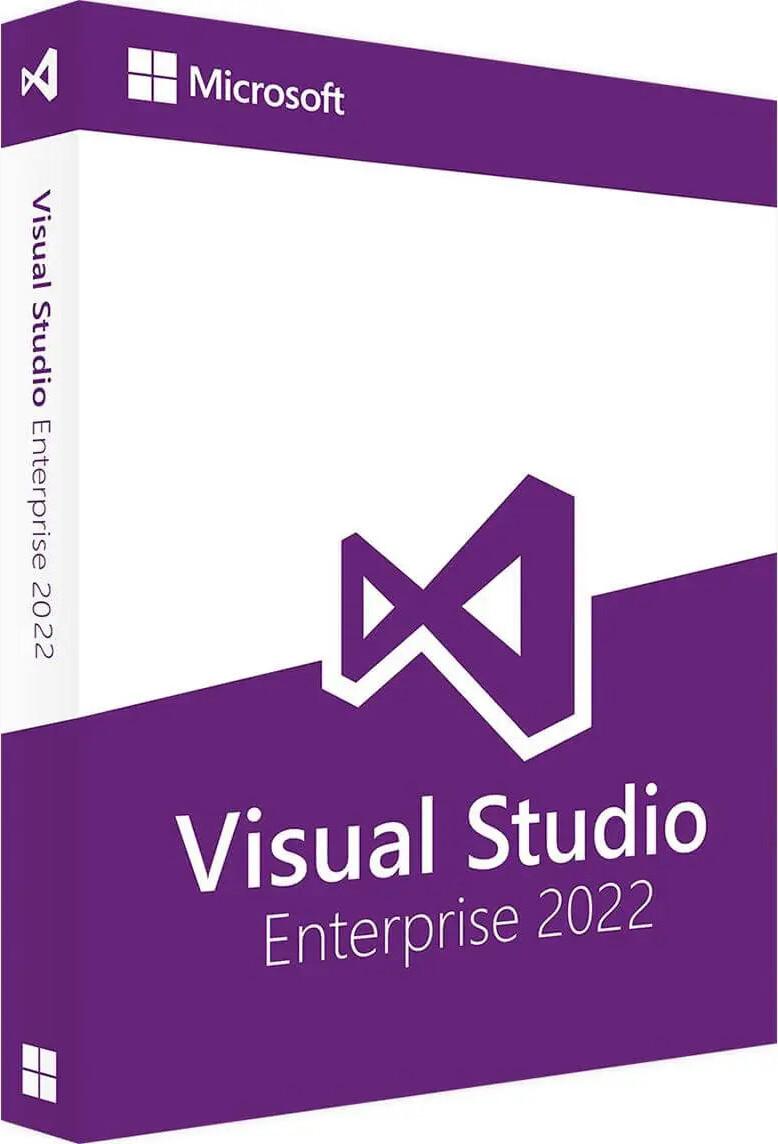




Visual Studio Enterprise 2022 is a powerful and advanced integrated development environment (IDE) built for professional developers, enterprises, and large development teams. It provides industry-leading tools for building, debugging, testing, and deploying modern applications across desktop, web, cloud, and mobile platforms.
✅ Genuine License Key
✅ Full Enterprise Edition (All Features Unlocked)
✅ 1 PC / 1 User License
✅ Lifetime Activation (one-time setup)
✅ Offline & Online Activation Support
✅ Advanced debugging & testing tools
✅ Built-in Git and DevOps integration
✅ Supports multiple programming languages
✅ Extensions and updates supported
✅ Installation & activation support via AnyDesk, TeamViewer, UltraViewer & WhatsApp
SKU: MS-VS2022-ENT-DIG
Categories: Visual Studio 2022
Product Name: Microsoft Visual Studio Enterprise 2022
Product Type: Integrated Development Environment (IDE)
Version: Enterprise 2022
Use For: Software development, enterprise applications, web & cloud apps
Device Support: Desktop / Laptop
Device Limit: 1 User / 1 PC
Activation Type: Online / Offline
License Transfer: Non-transferable
License Validity: Lifetime
Support: Remote installation & setup assistance
Using a genuine Visual Studio license ensures performance, reliability, and full feature access:
• ✅ Complete development suite – Enterprise-grade tools
• ✅ Advanced debugging – Faster error detection and fixing
• ✅ Integrated DevOps – Git, CI/CD, and collaboration tools
• ✅ Cloud-ready – Azure integration included
• ✅ High productivity – Intelligent coding and automation
• ✅ Secure development – Built-in testing and code analysis
✅ 64-bit IDE Performance: Faster and smoother experience for large projects
✅ IntelliSense & AI Completion: Smart and accurate code suggestions
✅ Live Debugging: Real-time performance tracking and diagnostics
✅ Automated Testing Tools: Unit testing and debugging support
✅ Git Integration: Built-in version control and repository management
✅ Azure Integration: Deploy and manage apps directly in the cloud
✅ Cross-Platform Development: Build apps for web, desktop, and mobile
✅ Faster development workflow
✅ Improved coding efficiency
✅ Better team collaboration
✅ Reduced development errors
✅ Scalable enterprise solutions
✅ Supports modern and legacy applications
Visual Studio 2022 introduced major improvements over previous versions:
• For professional and enterprise use
• Requires compatible Windows OS
• Internet required for updates and some features
• Microsoft Office is NOT included
• License valid for 1 user / 1 device only
Delivery Time: Instant (Digital Product)
 Why do you buy from us?
 About Microsoft Visual Studio 2022
Microsoft Visual Studio 2022 is a powerful integrated development environment (IDE) released by Microsoft, designed for building a wide range of applications for Windows, macOS, Linux, Android, iOS, and the web. It offers robust tools for coding, debugging, testing, and deployment, making it popular among developers, especially for C#, C++, Python, and .NET applications. Key features include:
| Category | Visual Studio 2022 Community | Visual Studio 2022 Professional | Visual Studio 2022 Enterprise |
|---|---|---|---|
| Intended Use | Individual developers, students, open-source projects | Small teams and professional developers | Large enterprises, advanced development teams |
| License Type | Free (non-enterprise use only) | Commercial license (paid) | Commercial license (paid) |
| Pricing | Free | Subscription-based | Subscription-based |
| Usage Restrictions | Cannot be used in large organizations (over 250 PCs or $1M revenue) | Licensed for commercial use | Licensed for enterprise/commercial use |
| Supported Languages | C#, C++, VB.NET, F#, Python, JavaScript, TypeScript, HTML, CSS, XAML, Razor | Same as Community | Same as Community |
| Target Platforms | Windows, Web, Cloud, Mobile, Gaming, IoT | Windows, Web, Cloud, Mobile, Gaming, IoT | Windows, Web, Cloud, Mobile, Gaming, IoT |
| .NET and .NET Core Support | ✔️ Full | ✔️ Full | ✔️ Full |
| C++ Development | ✔️ | ✔️ | ✔️ + advanced diagnostics & profiling |
| Cross-Platform Development | ✔️ (.NET MAUI, Xamarin, Blazor) | ✔️ | ✔️ |
| Azure Development Tools | Basic integration | Advanced Azure services & DevOps integration | Full Azure DevOps & cloud diagnostics tools |
| Git & Source Control | Built-in Git tooling | Built-in Git + collaboration features | Built-in Git + advanced branch policies + integration with Azure Repos |
| Debugging Tools | Standard debugger | Enhanced debugging (Live Unit Testing, CodeLens) | Advanced diagnostics, IntelliTrace, Time Travel Debugging |
| Performance Profiling | Basic | CPU, memory usage | Advanced profiling: concurrency visualizer, performance insights, IntelliTrace |
| CodeLens | ❌ | ✔️ | ✔️ (Enhanced with deep analytics) |
| IntelliCode (AI-assisted code) | ✔️ (basic suggestions) | ✔️ | ✔️ (custom model training & team-wide insights) |
| Testing Tools | Basic unit testing | Integrated test explorer | Advanced test management, automated test impact analysis |
| Live Unit Testing | ❌ | ❌ | ✔️ |
| Architecture & Modeling Tools | ❌ | Limited dependency diagrams | ✔️ Full architecture validation, code maps, layer diagrams |
| Code Review & Collaboration | GitHub & Azure DevOps basic | ✔️ Pull requests, code reviews | ✔️ Advanced code review with branch policies |
| DevOps Integration | Basic Azure DevOps connection | ✔️ Continuous integration (CI/CD) | ✔️ Advanced pipelines, IntelliTrace logs, DevOps analytics |
| Database Tools (SQL) | SQL Server Data Tools basic | SQL Server Data Tools + schema compare | Full SQL profiling, database testing, live debugging |
| Container & Docker Support | ✔️ | ✔️ | ✔️ |
| Cloud Services Integration | Azure SDK basic | Azure App Services, Functions | Full Azure management & diagnostics tools |
| Xamarin / MAUI for Mobile Apps | ✔️ | ✔️ | ✔️ |
| Visual Studio Live Share | ✔️ | ✔️ | ✔️ (with enterprise security features) |
| Code Metrics & Analysis | Basic | Basic metrics | Advanced code metrics, architecture validation |
| Architecture Validation & Dependency Diagrams | ❌ | Limited | ✔️ Full architecture modeling tools |
| Test Case Management (via Azure DevOps) | ❌ | Limited | ✔️ Full integration |
| Load & Performance Testing | ❌ | ❌ | ✔️ Enterprise-grade testing suite |
| Static Code Analysis | ✔️ Basic analyzers | ✔️ | ✔️ Advanced enterprise rulesets |
| Time Travel Debugging | ❌ | ❌ | ✔️ |
| Snapshots Debugging | ❌ | ❌ | ✔️ (Production debugging tools) |
| Code Coverage Analysis | ❌ | ✔️ | ✔️ Advanced, with test impact analysis |
| Reporting & Dashboards | ❌ | Basic project reports | ✔️ Advanced analytics, test impact & trend reports |
| Enterprise Support & Licensing | Community support only | MSDN subscription optional | MSDN subscription + priority support |
| Updates & Maintenance | Free updates | Via active subscription | Via active subscription |
| MSDN Subscription Benefits | ❌ | Optional | Included (Azure credits, software access, support) |
| Area | Winner / Note |
|---|---|
| Cost Efficiency | Community (Free, for non-commercial use) |
| Professional Team Collaboration | Professional (adds CodeLens, debugging, Git collaboration) |
| Enterprise-Grade Performance, Testing & Architecture Tools | Enterprise (adds IntelliTrace, Live Unit Testing, Architecture Diagrams, Code Map) |
| Advanced Debugging & Diagnostics | Enterprise only |
| Architecture & Dependency Analysis | Enterprise only |
| Test Management & Load Testing | Enterprise only |
| Best for Students or Hobbyists | Community |
| Best for Small & Medium Businesses | Professional |
| Best for Large Organizations & Complex Projects | Enterprise |
| Edition | Ideal For | Key Strengths |
|---|---|---|
| Community | Individual developers, students, open-source projects | Free, full-featured IDE with core language support and Git integration |
| Professional | Small development teams, freelancers, consultants | Adds collaboration, CodeLens, testing tools, and professional licensing |
| Enterprise | Enterprises, large organizations, DevOps and QA teams | Advanced diagnostics, performance tools, architecture modeling, and scalability |
Community → Best for individuals, students, and small open-source projects.
Professional → Ideal for small to medium companies developing commercial software.
Enterprise → Designed for large enterprises needing advanced debugging, architecture validation, testing, and DevOps integration.
 Key Features Microsoft Visual Studio 2022
Here are the key features of Microsoft Visual Studio 2022:
Your email address will not be published. Required fields are marked *
Please login to write review!
Looks like there are no reviews yet.
৳5,000 ৳20,000
৳16,375 ৳65,500
৳16,375 ৳65,500