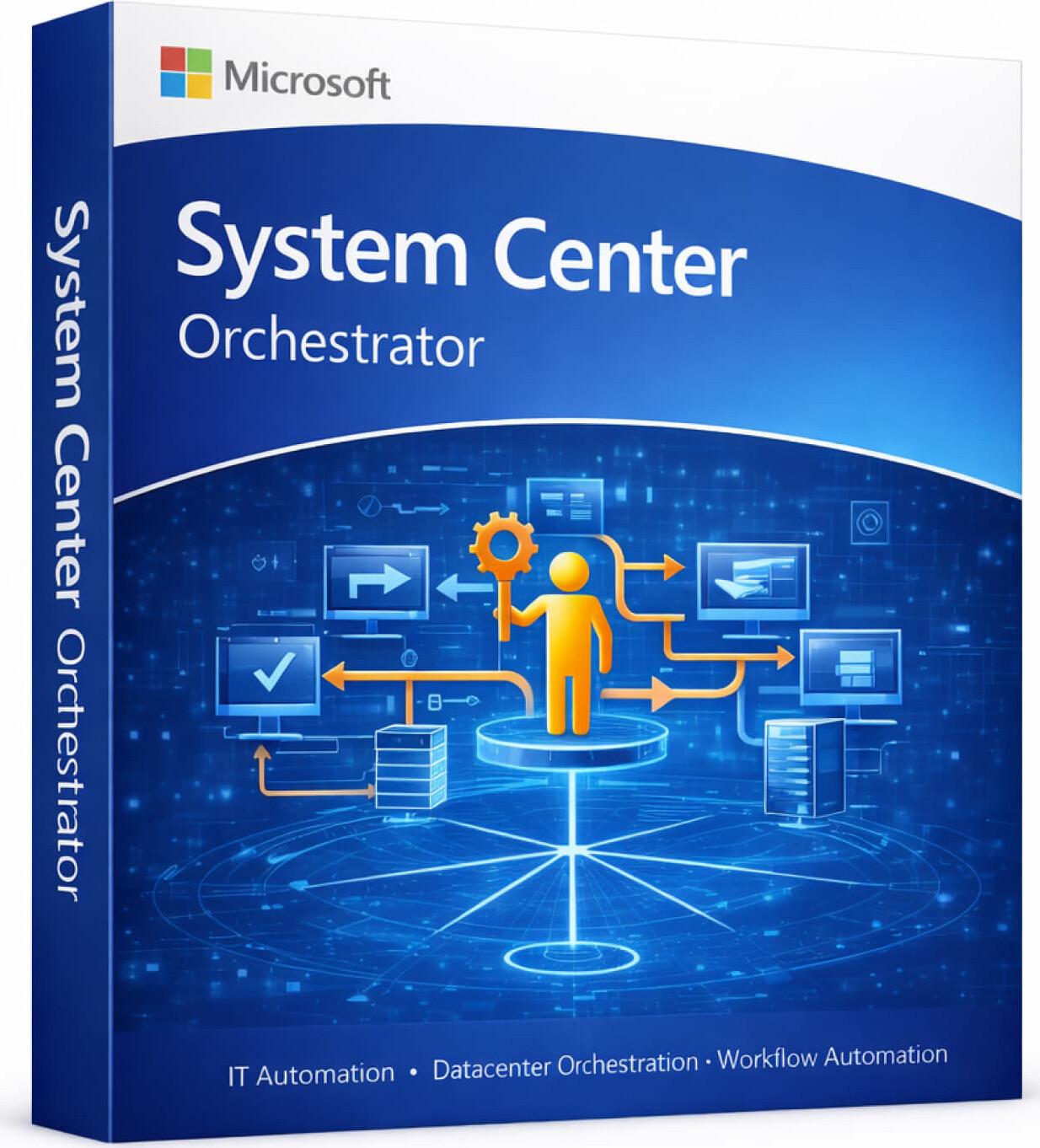




Microsoft System Center Orchestrator is a powerful automation and workflow management solution designed for enterprises and IT administrators to automate repetitive IT tasks, streamline processes, and integrate systems across the datacenter. It helps organizations improve efficiency by reducing manual operations and enabling consistent, automated workflows across infrastructure and applications.
✅ Available for Windows Server environments
Orchestrator is part of the Microsoft System Center suite, focused on automation, process integration, and IT workflow management.
✅ Genuine Microsoft Enterprise Solution
✅ IT Process Automation Platform
✅ Workflow & Runbook Automation
✅ System Integration Across Environments
✅ Task Scheduling & Execution
✅ Centralized Automation Management
✅ Integration with System Center Tools
✅ Scalable for Enterprise Environments
✅ Supports Multiple Languages
✅ Official Microsoft Orchestrator Installer
SKU: MS-SC-ORCH-DIG
Categories: System Center
Product: Microsoft System Center Orchestrator
Category: IT Automation & Workflow Management Software
Best For: Enterprises, IT administrators, automation, process optimization
Device Support: Server + Client Integration
Platform: Windows Server
✅ Runbook Automation (Workflow design & execution)
✅ Task & Process Automation
✅ Integration Packs for System Center & Microsoft Services
✅ Event-Based Automation
✅ Centralized Control and Monitoring
⚠️ Typically deployed as part of the System Center environment.
Create automated workflows (runbooks) to manage repetitive IT tasks and reduce manual intervention.
Connect and automate processes across multiple systems, including servers, applications, and services.
Schedule and run automated tasks based on triggers, events, or predefined conditions.
Manage all automation processes from a single console with full visibility and control.
Respond automatically to system events, alerts, and triggers to ensure faster issue resolution.
Work seamlessly with other System Center tools for monitoring, management, and data protection.
• Reduces manual IT workload
• Improves operational efficiency
• Ensures consistent execution of tasks
• Speeds up response to system events
• Scalable for enterprise environments
• Automation-Focused Solution – Streamline IT operations
• Enterprise-Ready Platform – Designed for large environments
• Process Integration – Connect multiple systems seamlessly
• Time-Saving – Reduce repetitive manual work
• Reliable & Scalable – Built for enterprise automation
• This is an enterprise automation solution
• Typically used as part of the System Center suite
• Requires Windows Server and SQL Server
• Designed for IT administrators and enterprise environments
• Setup and configuration require technical expertise
Version: Microsoft System Center Orchestrator
License Type: Perpetual (Volume Licensing)
Activation: Server-based setup
Device/User Limit: Depends on licensing model
Delivery Method: Email (License details / Setup information)
Included: Installation & Configuration Guide
Support: Setup guidance (where applicable)
Your email address will not be published. Required fields are marked *
Please login to write review!
Looks like there are no reviews yet.
৳16,500 ৳66,000
৳14,375 ৳57,500
৳12,250 ৳49,000
৳10,000 ৳40,000
৳13,625 ৳54,500
৳13,625 ৳54,500
৳13,625 ৳54,500